
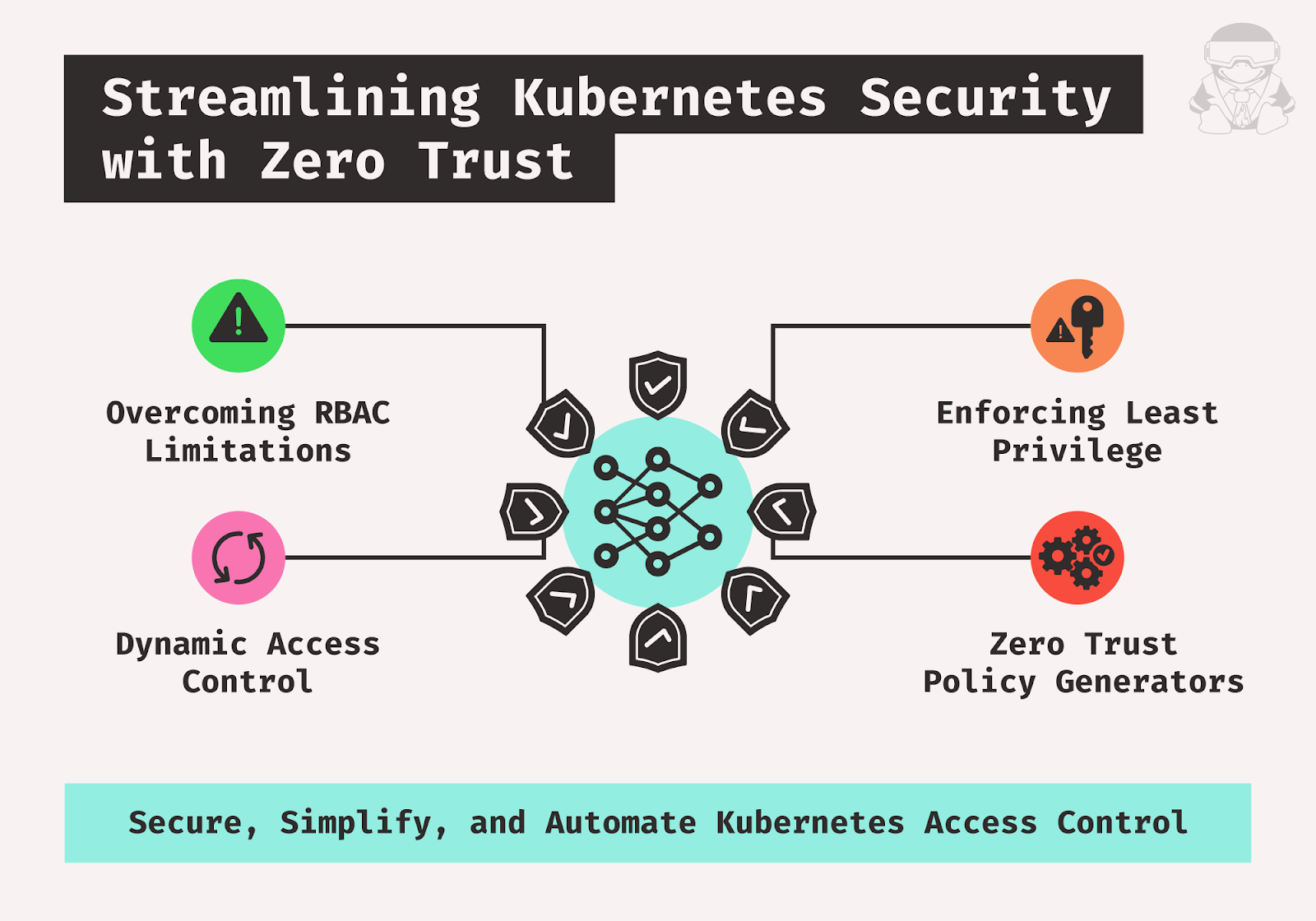
What’s Covered
- Traditional RBAC limitations: The article highlights the issues with static policies, over-permissiveness, complexity, and lack of context-awareness in Kubernetes’ traditional RBAC, leading to security vulnerabilities.
- Zero Trust application to Kubernetes: It also introduces Zero Trust as a security model that enforces strict identity verification, applies least privilege, and utilizes dynamic access control to improve Kubernetes security.
- Zero Trust policy generators: Last but not least, it describes tools that automate the creation and management of dynamic RBAC policies based on Zero Trust principles, facilitating minimal necessary permissions, simplified management, and enhanced security compliance.
Strengthening Kubernetes Security with Zero Trust Access Control
While traditional role-based access control (RBAC) has been a foundational element of Kubernetes security, it’s not without its flaws. Its permissive nature and static policies can inadvertently introduce risks to organizations. The article will discuss RBAC’s limitations and how Zero Trust principles can effectively overcome these challenges.
RBAC In Kubernetes
Kubernetes, by default, offers a flexible model where pods and other resources carry relatively broad permissions. In a default kubeadm cluster setup, pods can potentially perform actions without sufficient restrictions, opening the door to security risks. For example, if a pod has access to the Kubernetes API and runs a web application that is exposed to the internet, then if the pod is compromised, the pod may be used to authenticate with the server. From there, since the pod lacks restrictions, the pod could be used to modify resources, create new pods, or access data.
This open, flexible model creates a clear need for RBAC in Kubernetes to help mitigate the risk of unauthorized actions and limit access. With RBAC, roles and permissions are explicitly defined, ensuring only authorized entities can perform certain actions.
RBAC Challenges
Traditional RBAC policies are static, meaning they are predefined and do not change based on the context of a request. This can lead to several challenges.
| Issue | Description |
| Over-permissive roles | To avoid blocking legitimate access, roles are often configured with permissions that are too broad. This over-permissiveness can inadvertently grant access to resources or actions that a user or service doesn’t need, thereby violating the principle of least privilege. |
| Static policies | RBAC policies are static and do not adapt to changes in their use or new security threats. As a result, once a policy is set, it does not evolve with the environment unless manually updated, which can lead to security gaps. |
| Complexity in large environments | In extensive Kubernetes environments, the number of roles and bindings can increase, making it difficult to manage and audit effectively. This complexity can lead to misconfigurations and unnoticed security holes. |
| Lack of context-awareness | Traditional RBAC doesn’t take into account the context of a request, such as the location, time, or the risk level of the action. Without context, enforcing more granular, situation-appropriate access controls is hard. |
| Lack of dynamism | Static RBAC policies cannot adapt to environmental changes. For example, a static RBAC policy may grant a user access to a no longer needed resource. This can lead to security vulnerabilities and compliance issues. |
| Lack of continuous evaluation | RBAC typically lacks mechanisms for continuously evaluating access needs. Users retain permissions even when they no longer require them for their current role or job function. |
| Lack of time-bound access | RBAC policies do not inherently support time-bound access, which means temporary requirements for access can lead to permanently expanded permissions. |
| Lack of time-bound access | RBAC policies do not inherently support time-bound access, which means temporary requirements for access can lead to permanently expanded permissions. |
Zero Trust: Rethinking Kubernetes Access Control
What Is Zero Trust?
Zero Trust is a security model that assumes no user or device is inherently trustworthy. All access requests must be authenticated, authorized, and continuously monitored.
Zero Trust is an assumption-of-breach-based security model that requires systematic identity verification for all users, devices, and systems attempting to connect to resources inside organizational perimeters. This means that no user or device may automatically be taken for granted to be trusted, even if they are located within the network’s perimeter.
Zero Trust can be applied to RBAC in Kubernetes to address the limitations of traditional RBAC policies.
Principles of Zero Trust
The following principles underpin the Zero Trust security model:
- Never trust, always verify: Every access request must be authenticated and authorized, regardless of the user’s origin or device.
- Least privilege: Users should only be granted the minimum permissions required to perform their tasks.
- Continuous monitoring: Access to resources should be continuously monitored and audited to detect and prevent unauthorized activity.

Applying Zero Trust to Kubernetes RBAC
Zero Trust can be applied to Kubernetes RBAC by implementing a few different strategies. Let’s explore them.
The principle of least privilege ensures that users, service accounts, and pods are assigned only the minimal permissions necessary to execute their tasks. This approach minimizes security risks by preventing users from being granted permissions equivalent to those of a cluster-admin unless required.
Kubernetes can be integrated with an external identity provider, such as OpenID Connect, Lightweight Directory Access Protocol (LDAP), or Security Assertion Markup Language (SAML) to enhance user authentication. This integration creates a unified authentication system across Kubernetes and the external provider, with the added security benefit of incorporating multi-factor authentication (MFA).
Effective service account management is also crucial for security. Instead of relying on default service accounts, which are often over-permissioned, creating specific service accounts tailored for individual applications or services is recommended.
Dynamic access control plays a key role in enforcing security by granting permissions based on the context of each access request. This approach considers the user’s identity, the resources accessed, and the actions performed, ensuring that permissions are allocated appropriately for each situation.
Just-in-Time (JIT) provisioning further strengthens security by granting users access to resources or roles only when necessary. This method, often employed in Kubernetes alongside OpenID authentication, helps manage permissions dynamically and reduces the risk of prolonged or unnecessary access. Tools and processes designed to handle JIT provisioning effectively ensure that access is time-limited and tailored to the specific task at hand.
Streamlining Kubernetes Security with Just-in-Time (JIT) Provisioning
Here’s how you can implement JIT provisioning in Kubernetes.
- Use admission controllers:
- Admission controllers are plug-ins that hook into requests to the Kubernetes API server just before the persistence of the object but have already done the work of the authentication and authorization for its intentions.
- A custom admission controller is meant to provision resources dynamically based on a request’s context. For instance, one could define a custom admission controller that creates a temporary namespace for each deployment request in short-lived testing environments.
- Integrate with an external identity provider:
- Configure your Kubernetes cluster to use an external identity provider (e.g., OIDC, LDAP) for user authentication.
- The identity provider may provide attributes or claims about the user, which can be used to decide what resources to provision.
- Implement dynamic RBAC:
- Use something like Open Policy Agent (OPA) to generate RBAC policies dynamically based on user context or attributes. For example, a policy might allow a user to access the namespace only if the user belongs to the project team for a certain project.
- Use custom controllers or operators:
- Develop a custom Kubernetes controller or operator that watches for specific events or conditions and triggers resource provisioning. For example, an operator can watch for a new user joining a project and automatically create a service account and role binding for that user.
By implementing JIT provisioning in Kubernetes, you can reduce the risk of unused or stale resources being exploited, ensure that resources are available when needed, and improve the overall security and efficiency of your Kubernetes environment.
Solution for Zero Trust to Kubernetes RBAC: Enter Zero Trust Policy Generators
The limitations of traditional RBAC highlighted the need for a more dynamic and secure approach to access control in Kubernetes environments. This is where Zero Trust policy generators come in.
Introducing Zero Trust Policy Generators
A Zero Trust policy generator is a tool that automates the creation and management of RBAC policies based on Zero Trust principles. It helps enforce the least privilege by dynamically granting users the minimum permissions required to complete their tasks.
Functionality and Benefits of Zero Trust Policy Generators
These generators offer several functionalities that enhance security and streamline access control. Let’s learn more about them.
| Feature | Description |
| Automated policy creation | They automate the generation of RBAC policies based on predefined rules and access request context. This reduces the risk of human error and misconfiguration associated with manually defining complex policies. |
| Least privilege enforcement | They ensure users only receive the minimum permissions necessary for their tasks. This minimizes the attack surface and reduces the potential damage caused by compromised credentials. |
| Dynamic access control | Permissions are granted based on real-time context, including user identity, resource type, requested action, and other relevant factors. This allows for a more granular and adaptable control scheme. |
| Simplified management | Generators simplify the management of RBAC policies by automating repetitive tasks and providing a centralized view of access control configurations. |
| Improved audit and compliance | Many generators offer built-in audit logging and reporting capabilities, aiding compliance efforts and providing insights into user activity. |
Examples of Zero Trust Policy Generator Features
- Integration with identity providers (e.g., OIDC) for user authentication.
- Support defining access control rules based on various attributes (e.g., user group, application role).
- Temporary access provisioning (JIT) with automatic expiration.
- Automated policy review and recommendation capabilities.
Choosing a Zero Trust Policy Generator
When considering Zero Trust policy generators, the following need to be taken into account:
- Security features: Evaluate tools based on your security needs. Look for strong access control mechanisms, integration with identity providers (OIDC), and temporary access provisioning (JIT).
- Ease of use: Consider the user interface and configuration complexity. Tools like Kyverno and Open Policy Agent are known for their user-friendly interfaces.
- Integration capabilities: Ensure compatibility with your existing identity management (e.g., Azure AD, Okta) and Kubernetes environment (e.g., AKS, GKE, EKS).
- Scalability: Choose a tool to handle your current infrastructure and future growth.
Here are some popular Zero Trust Policy Generator tools (consult their documentation for specific implementation details):

Policy generators can integrate with frameworks like SPIFFE (Secure Production Identity Framework For Everyone) and SPIRE (SPIFFE Runtime Environment) to automate the management of dynamic, identity-based access controls. SPIFFE is a set of open standards to issue and manage identities in distributed environments to ensure trust between workloads. SPIRE implements the SPIFFE specification to provide a system for issuing and managing the SPIFFE IDs. These frameworks ensure workloads and users are authenticated and authorized before accessing resources.
Implementing Zero Trust Policy Generator
When implementing a Zero Trust policy generator in Kubernetes, it’s important to follow a structured approach.
- Begin by implementing the generator for a specific set of applications or resources in a development or staging environment. This allows you to test and refine the policies before a wider deployment.
- Clearly define who can access what and under what conditions. Consider user roles, resource types, permitted actions, and any additional attributes relevant to your environment.
- Test your policies thoroughly to ensure they enforce the desired level of access control without unnecessary restrictions. Regularly review and update policies as your environment and security needs evolve.
Tutorial
Let’s set up a lab (Minikube) to evaluate the security of the Kubernetes cluster using kube-bench and kubiscan and then demonstrate the impact of implementing RBAC using Kyverno.
Prerequisites:
Step 1: Start Minikube
Run the following command:
minikube startStep 2: Run kube-bench
This step is needed to evaluate the security of your Kubernetes cluster. Type:
kube-bench run --targets=node,control-planeTake note of the results, which will highlight potential security issues.
Step 3: Install KubiScan
KubiScan scans Kubernetes clusters for risky permissions and vulnerabilities in RBAC settings. It can be run directly from a pod in the cluster:
git clone https://github.com/cyberark/KubiScan.git
kubectl apply -f KubiScan/RunAsPod/pod.yaml
Step 4: Use KubiScan
After successfully installing KubiScan, you can now run the tool to scan your Kubernetes cluster for risky permissions and vulnerabilities in your RBAC settings:
kubectl exec -it kubiscan -- /bin/bash
# Inside the pod
./KubiScan.py
Step 5: Create and Apply Kyverno RBAC PolicyTo set up RBAC using Kyverno, you’ll need to create a Kyverno policy. To do that, set up a file rbac-policy.yaml with the following content:
apiVersion: kyverno.io/v1
kind: ClusterPolicy
metadata:
  name: require-namespace-labels
spec:
  validationFailureAction: enforce
  rules:
  - name: check-for-labels
	match:
  		resources:
    			kinds:
    				- Namespace
	validate:
  		message: "Missing required labels: team"
  		pattern:
    			metadata:
      			labels:
        				team: "?*"
Step 6: Evaluate security before applying the policy
Here are sample results for kube-bench and kubiscan before implementing RBAC with Kyverno in a Kubernetes cluster. Please note that these are simplified examples, and actual results will vary depending on your cluster configuration and the policies you implement.
Sample results before implementing RBAC for kube-bench should look similar to this:
[FAIL] 1.1.1 Ensure that the API server pod specification file permissions are set to 644 or more restrictive (Automated)
[FAIL] 1.1.2 Ensure that the API server pod specification file ownership is set to root:root (Automated)
...
[WARN] 5.1.3 Ensure that the --kubelet-client-certificate and --kubelet-client-key arguments are set as appropriate (Manual)
[WARN] 5.1.4 Ensure that the --kubelet-certificate-authority argument is set as appropriate (Manual)
...
Sample results before implementing RBAC for kubiscan:
| VULNERABILITY | LOCATION | DESCRIPTION
|————————–|—————–|————
| Remote Code Execution | 10.0.0.1:8443 | API server is accessible without authentication, allowing unauthorized access to sensitive data
| Access Risk | 10.0.0.2:10250 | Kubelet API is accessible without authentication, allowing unauthorized access to node and pod information
…
Step 7. Apply the policy
By running the following command, you instruct Kubernetes to enforce the specified RBAC rules across your environment. This command ensures that the permissions outlined in the policy are implemented, limiting access to resources based on the roles and permissions assigned. After applying the policy, it is crucial to monitor and verify that the desired access controls are functioning as expected by testing user access and reviewing audit logs for any discrepancies.
kubectl apply -f rbac-policy.yamlStep 8: Re-evaluate security after applying the policyHere are sample results after applying the policy for kube-bench:
[PASS] 1.1.1 Ensure that the API server pod specification file permissions are set to 644 or more restrictive (Automated)
[PASS] 1.1.2 Ensure that the API server pod specification file ownership is set to root:root (Automated)
...
[WARN] 5.1.3 Ensure that the --kubelet-client-certificate and --kubelet-client-key arguments are set as appropriate (Manual)
[WARN] 5.1.4 Ensure that the --kubelet-certificate-authority argument is set as appropriate (Manual)
...
And these are sample results after applying the policy for kubiscan:
Risky Roles and Permissions
1.  Role: `cluster-admin-too-broad`
·   	Namespace: `default`
·   	Issue: Role has `*` permissions on `*` resources, which grants overly broad access across the entire cluster.
·   	Risk Level: High
·   	Suggested Action: Restrict the permissions to only what is necessary for the role's responsibilities.
2.  RoleBinding: `dev-team-binding`
·   	Namespace: `development`
·   	Issue: Binds `cluster-admin` role to `dev-group` user group.
·   	Risk Level: Medium
·   	Suggested Action: Change the role to a more restrictive custom role that limits access to resources necessary for development activities.
Unusual Service Account Configurations
3.  Service Account: `default`
·   	Namespace: `kube-system`
·   	Issue: Bound to `cluster-admin` role.
·   	Risk Level: High
·   	Suggested Action: Remove the `cluster-admin` binding from the default service account in `kube-system`. Service accounts should have minimal permissions, especially in sensitive namespaces.
Misconfigured RoleBindings
4.  RoleBinding: anonymous-access
·   	Namespace: `public-services`
·   	Issue: Grants read access to all resources to `system:anonymous` group.
·   	Risk Level: Critical
·   	Suggested Action: Immediately revoke this role binding. Modify the policy to restrict anonymous access, ensuring that authentication is required.
Permissions Without Limits
5.  ClusterRole: `node-watcher`
·   	Issue: Grants unlimited `watch` permissions on `nodes` to an external monitoring service.
·   	Risk Level: Medium
·   	Suggested Action: Limit the permissions to specific resources and namespaces necessary for monitoring activities. Consider creating a custom role with scoped-down permissions.
...
Step 9: Compare the results
Compare the results before and after implementing RBAC to demonstrate its impact on the security of the Kubernetes cluster. Monitor user access and review audit logs to verify that the policy is properly enforced and access is restricted according to the defined roles.
In these sample results, you can see that after implementing RBAC with Kyverno, some of the security issues identified by kube-bench and kubiscan have been addressed. The API server and Kubelet API are now better protected, reducing the risk of unauthorized access. These results demonstrate the positive impact of implementing security policies in a Kubernetes cluster.
Step 10: Once you’re done with the lab, you can clean up the resources and stop Minikube. Run the command:
kubectl delete -f rbac-policy.yaml
minikube stop
Best Practices for Zero Trust Policy Generator for Kubernetes RBAC
- Track and audit user activity
Utilize the generator’s audit logging and reporting functionalities to monitor user activity and identify potential security risks. Analyze access patterns and adjust policies as needed. - Enforce least privilege
Ensure policies consistently grant users the minimum permissions required to perform their tasks. This minimizes the potential damage caused by compromised credentials. - Automate policy lifecycle management
Utilize the generator’s automation capabilities to streamline policy creation, review, and approval processes. This reduces human error and ensures a consistent security posture. - Integrate with Security Information and Event Management (SIEM). Consider integrating your chosen generator with a SIEM system to centralize security logs and gain insights into potential threats and suspicious activity.
By using a Zero Trust Policy Generator and following these best practices, you can enhance the security of your Kubernetes deployments through automated access controls, least privilege enforcement, and dynamic, context-aware policies.
Summary
Zero Trust policy generators lay a solid foundation for implementing the Zero Trust principle within Kubernetes RBAC. These tools automate the creation of policies ranging from least privilege to dynamic access control. Such automation facilitates the enforcement of Zero Trust, which is becoming a fundamental principle in security best practices. Using a Zero Trust policy generator, you can streamline access controls and enhance the protection of your containerized applications.
About the Author
Pradeep Chintale is a proficient Sr. Cloud Solution Engineer at SEI Investment Company, specializing in DevOps and Cloud Security. His expertise encompasses Cloud Solutions, Infrastructure Automation, AI/ML Ops, Software Release Management, and Kubernetes.